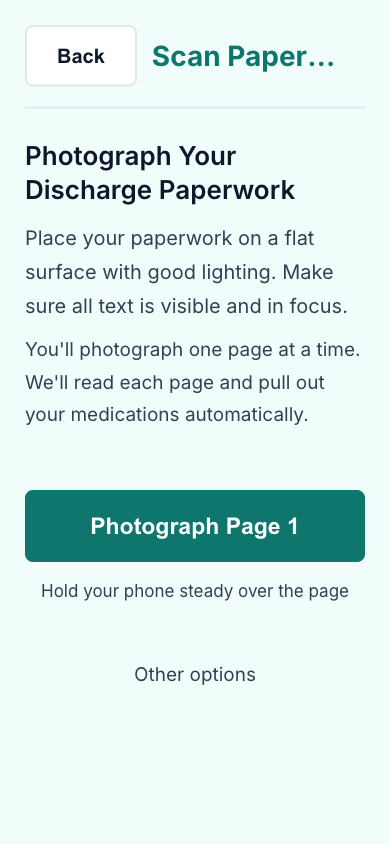
Photograph the paperwork. Caredenza does the rest — and shows you exactly what changed, what's coming up, and how the day is going.
No typing. Use any iPhone camera to capture each page. Caredenza stitches multi-page packets together and tells you which page to retake if a photo is blurry or rotated.
Tested against real Epic discharge forms across seven patient scenarios.
After each scan, Caredenza shows a clear diff: added medications, updated doses, and unchanged entries — so nothing buried on page two slips past.
Toggle each change on or off, then apply.
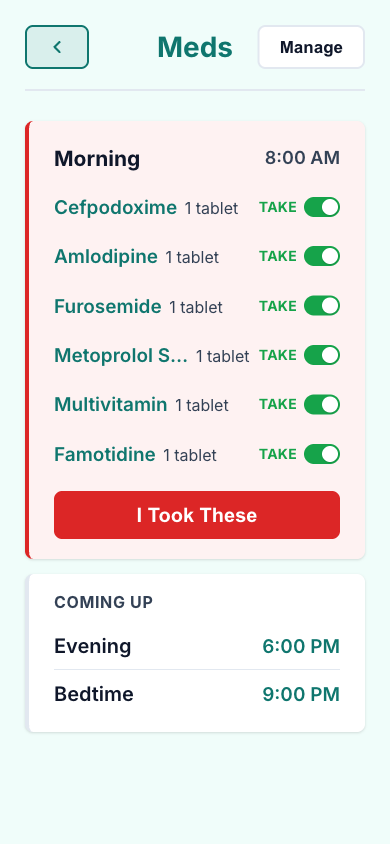
Auto-suggested times for morning, noon, evening, and bedtime — adjust them to fit the patient's actual routine. PRN ("as needed") medications get safe-interval timing built in.
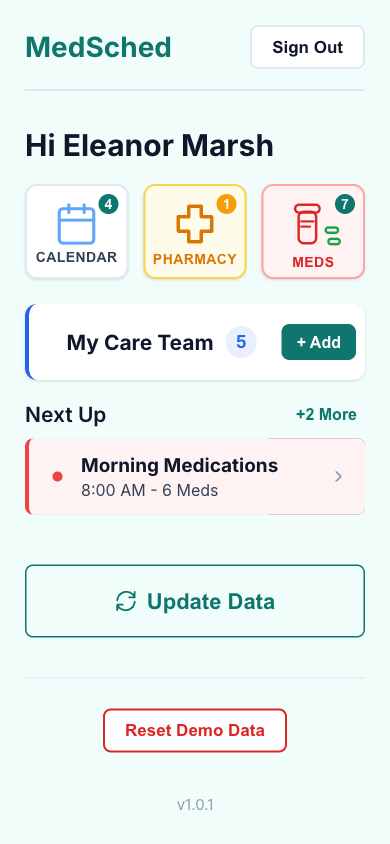
Action items at the top of the home hub flag overdue doses and upcoming appointments. The home view ticks every minute, so the moment a dose becomes overdue it moves up.
Repeating local notifications fire at each scheduled dose time, listing exactly which medications to take. Appointments get a day-before nudge and a morning-of reminder. Tap any notification to jump straight to the page that needs you.
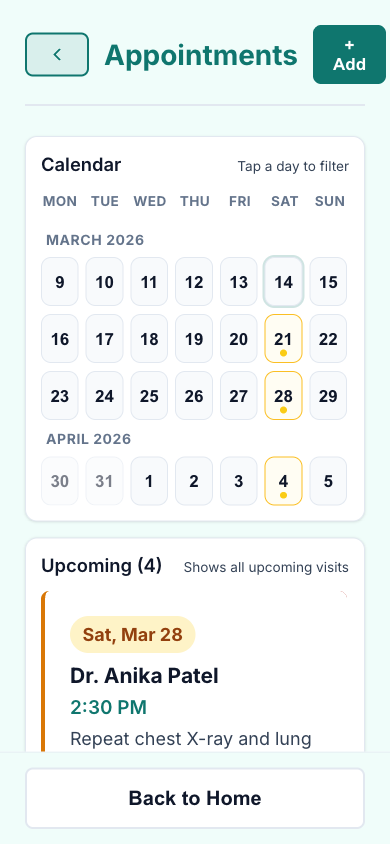
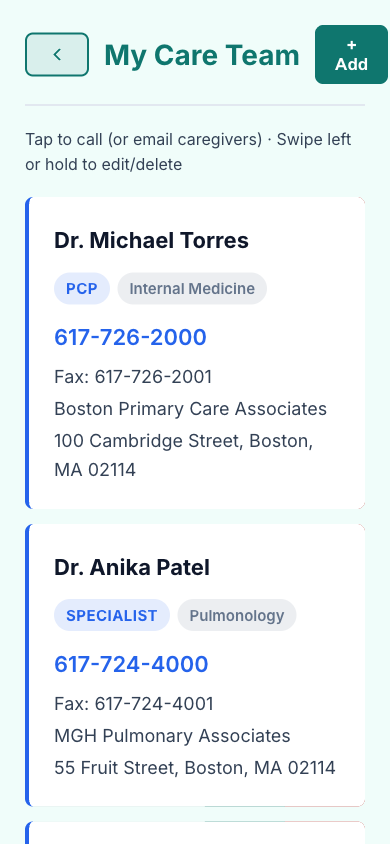
Doctors, specialists, and the home pharmacy come straight from the discharge form — name, specialty, phone, address. Tap to call. Tap for directions. Invite a caregiver and they'll see a real-time grid of which doses were taken, no account required.
Every patient can invite one or more caregivers. They get a secure link that opens to a 7-day compliance grid — green for taken, amber for late, red for missed.
Multi-page Textract scanning with smart table detection and quality feedback when a page is too blurry to read.
A diff of new, updated, and unchanged medications after every scan — so nothing changes silently.
Plain-language explanations powered by Amazon Bedrock, contextualized to the patient's diagnosis.
Daily dose schedules, PRN safe-interval timing, and quiet local notifications that never alarm.
Doctors auto-extracted from the discharge form, with tap-to-call, directions, and iOS Calendar integration.
Pending pickups grouped by pharmacy, with one-tap directions or phone call.
Family members see a 7-day grid of doses taken, late, and missed. Secure link, no account needed.
One-tap authentication with passkey support after initial setup.
For hospitals on Epic, Caredenza can pull medications and care team directly via SMART on FHIR. (In development.)
