From discharge paperwork to a care plan you can follow.

Photograph the paperwork or pill bottles. CareDenza takes care of the rest.

01 · Scan

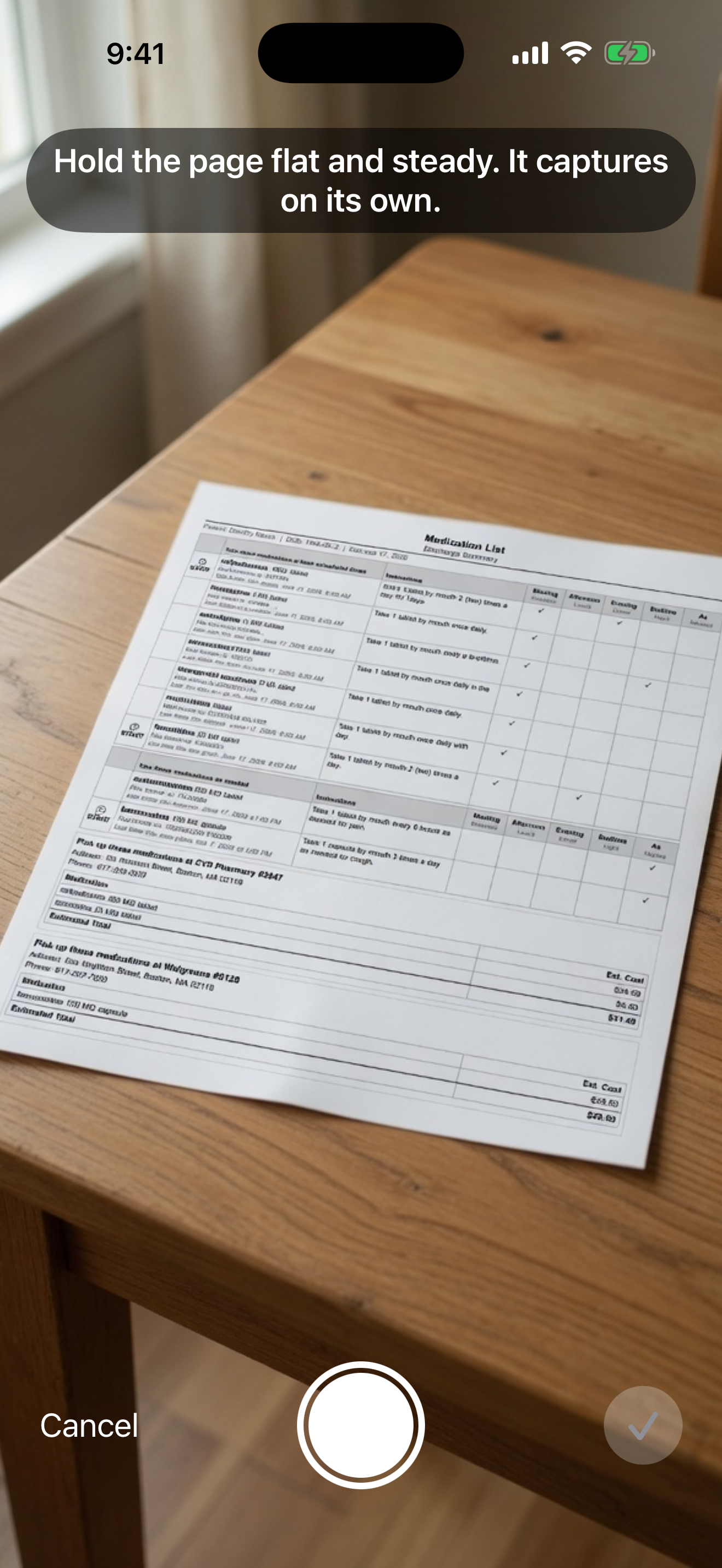
Photograph the discharge form page by page.

No typing needed — just use your phone camera, or upload photos or a PDF from your device. CareDenza stitches the pages together automatically and lets you know if any need to be retaken.

The CareDenza scan screen with step-by-step guidance for photographing a discharge form
02 · Reconcile

See what's new, what's changed, and what's stopped.

CareDenza delivers a reconciliation summary that separates new, continued, and stopped medications, flags dose changes, and surfaces follow-up appointments — so nothing gets buried or missed.

Toggle each change on or off, then apply.

The CareDenza reconciliation screen listing newly found medications with checkboxes to confirm
03 · Schedule

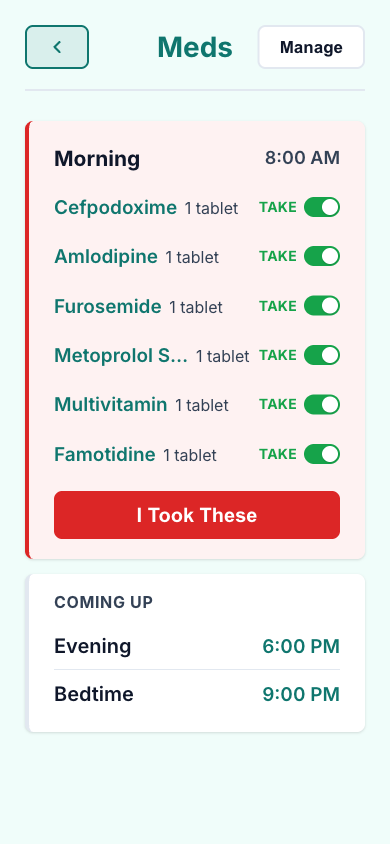
Set dose times that work with your life.

Auto-suggested morning, noon, evening, and bedtime slots — adjustable to fit the patient's actual routine. The first medication app to build indication and safe-interval timing directly into as-needed medications — eliminating the pen, notebook, and human error.

The CareDenza dose-schedule screen with morning, afternoon, evening, and bedtime times
04 · Organize

One Master Medication List.

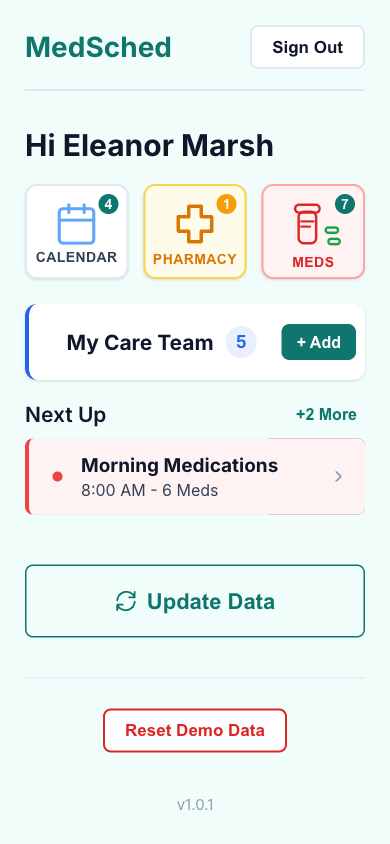
Never confuse what you're taking and why ever again. A medication schedule fully integrated into your routine to help you stay healthy and in control.

A medication card with a one-tap dose-taken button
05 · Alert

Local notifications and calendar integration.

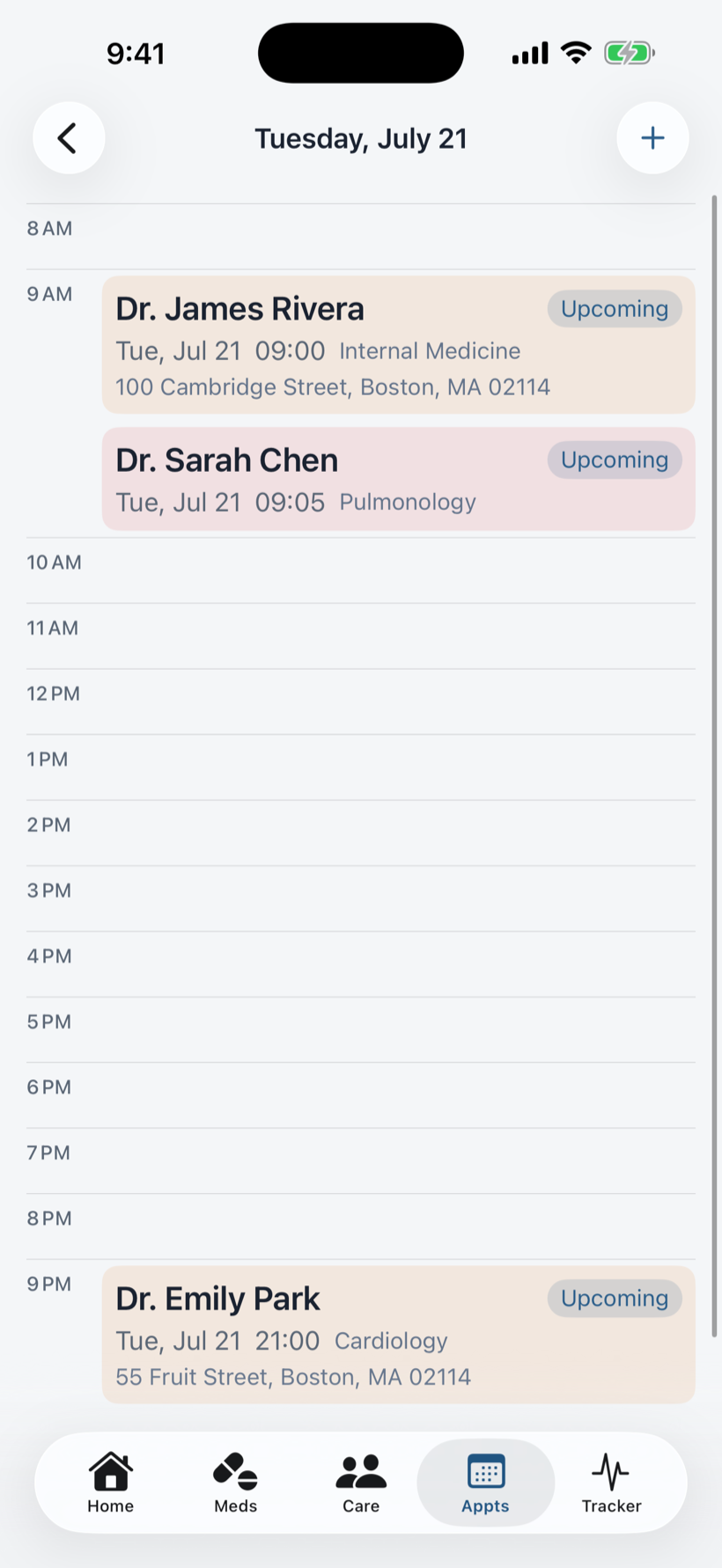
Medication and appointment reminders delivered to your phone. Set up appointments in the app and publish them directly to your Apple or Google calendar.

An upcoming appointment with reminder details
06 · Connect

Your whole care team on one page.

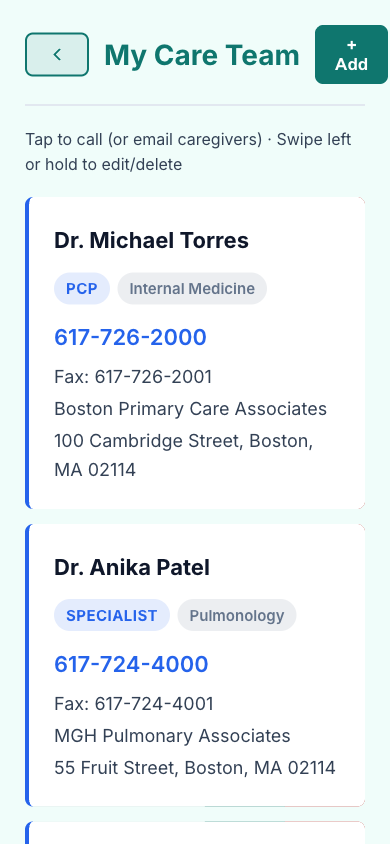
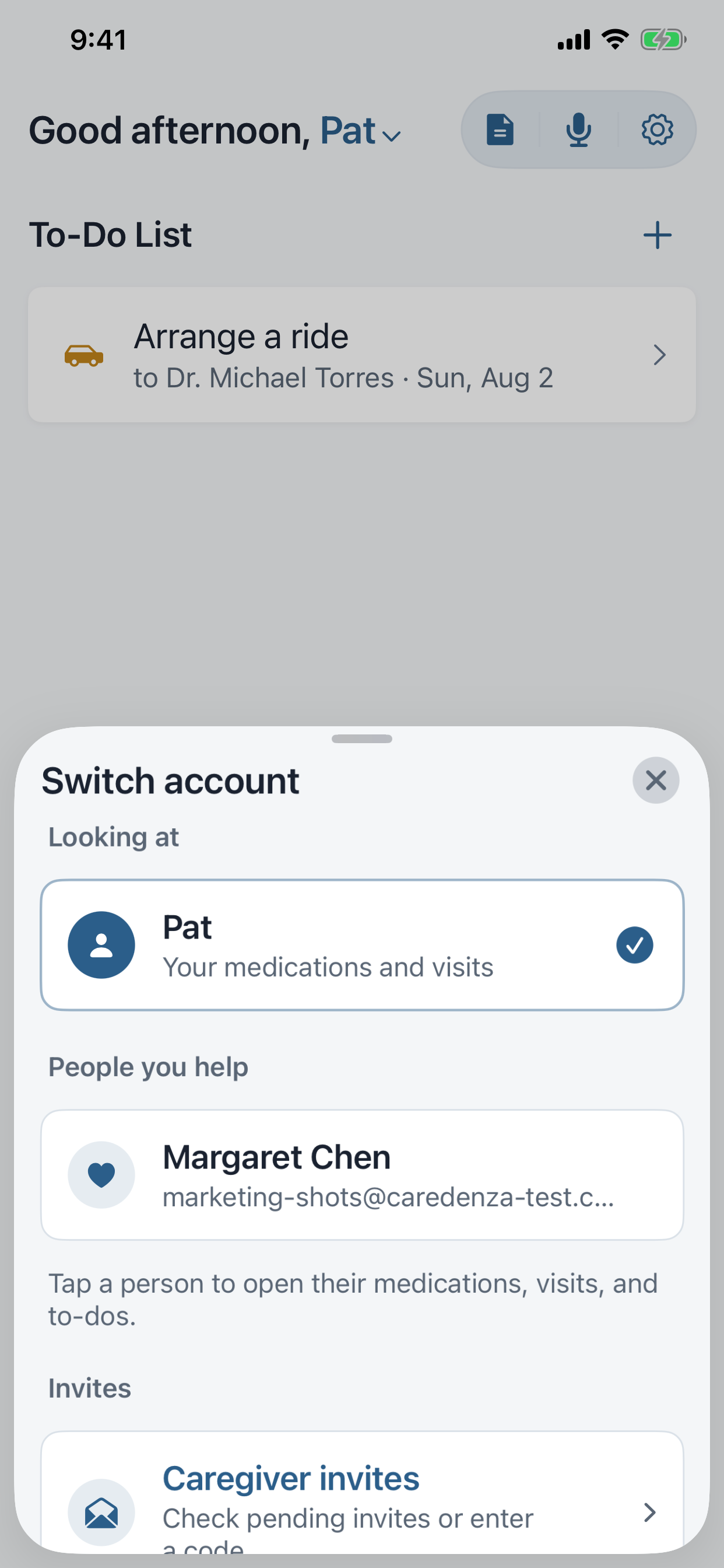
Your care team pulled straight from the discharge form — name, specialty, phone, and address. Tap to call. Tap for directions. Invite a caregiver to help monitor your medications, missed doses, and progress in real time.

The CareDenza care team page with doctors and specialists

For caregivers.

Every patient can invite one or more caregivers to view their medication compliance, shared to-do list, and appointment calendar — everything needed to stay up to date with their loved one's care.

What's in the app.

Photograph the paperwork

Multi-page Textract scanning with smart table detection and quality feedback when a page is too blurry to read.

Medication reconciliation

A diff of new, updated, and unchanged medications after every scan, so nothing changes silently.

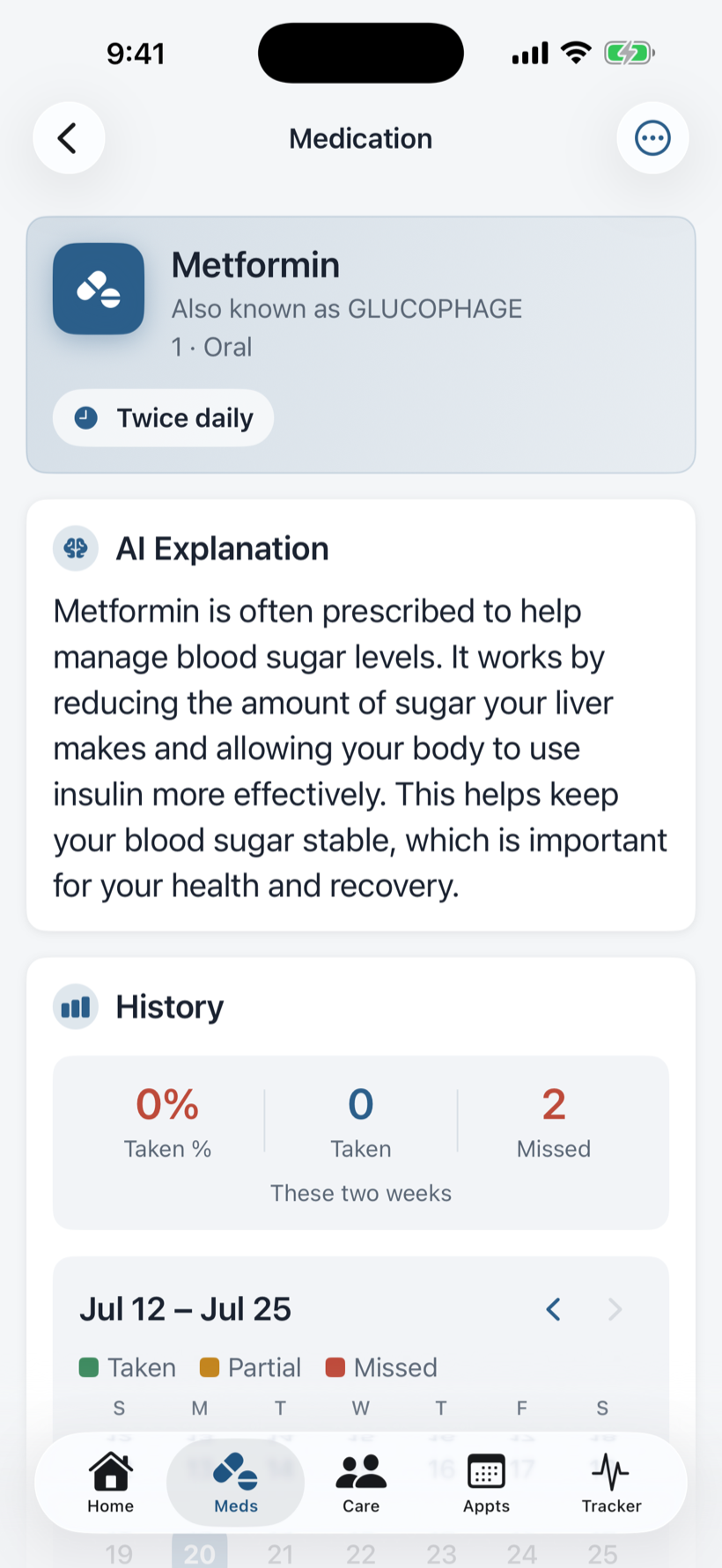
AI medication explainer

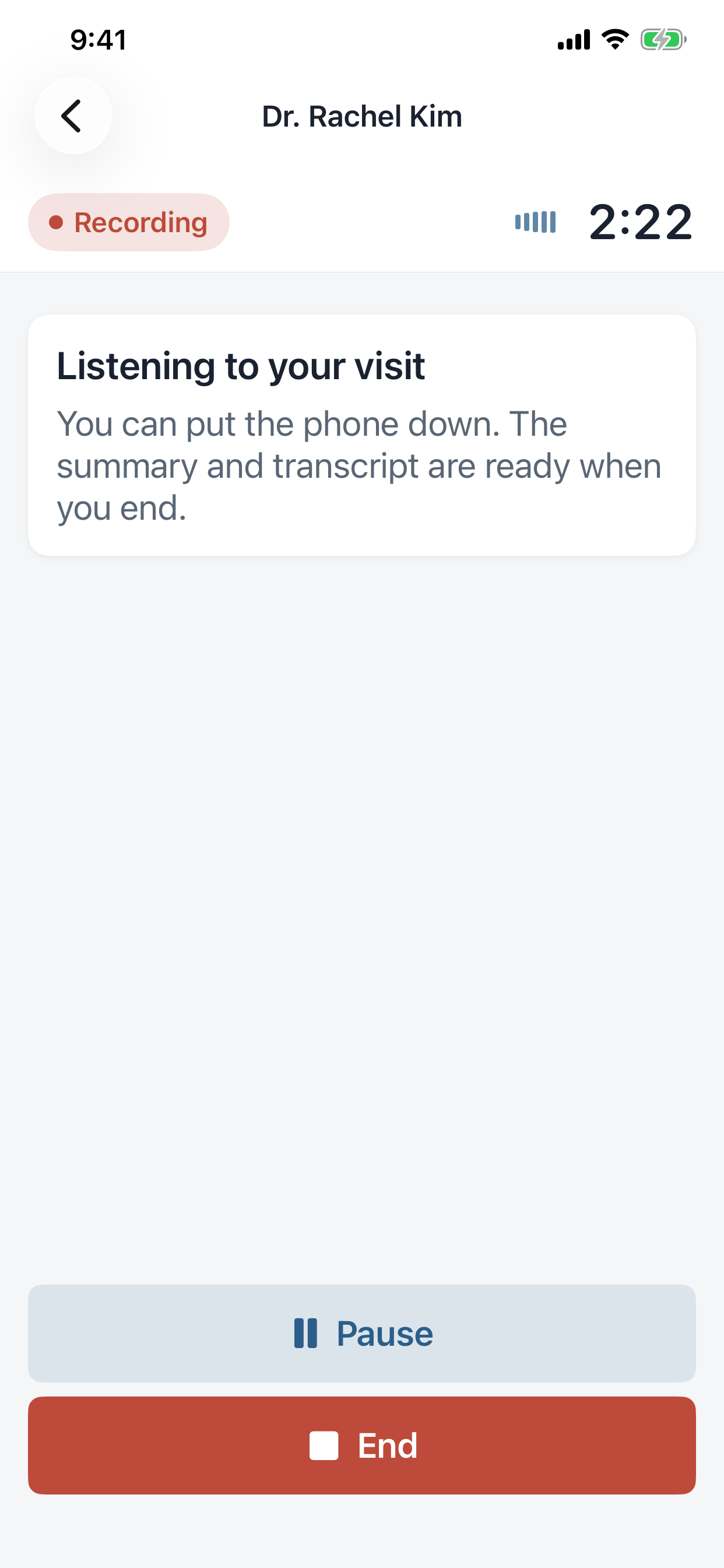
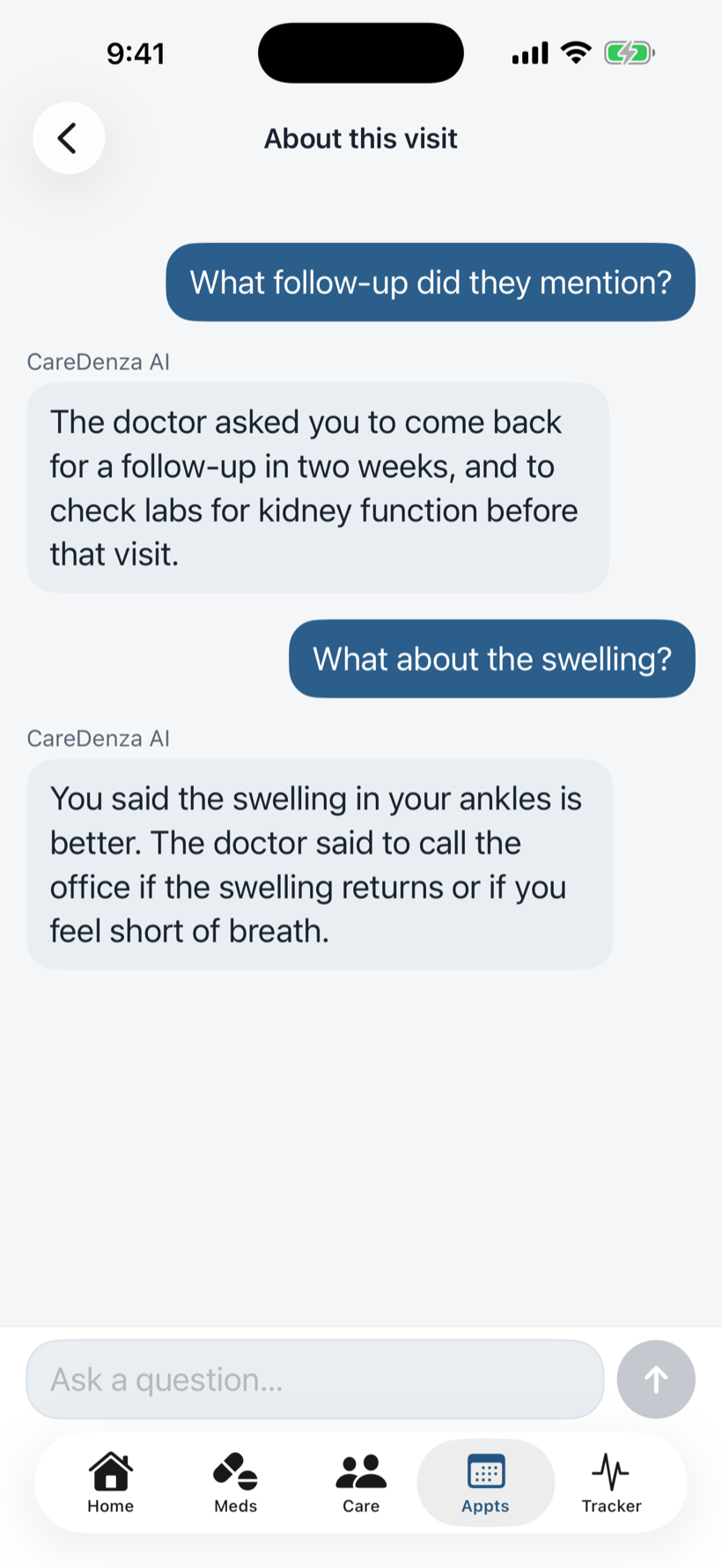
Plain-language explanations powered by Amazon Bedrock, contextualized to the patient's diagnosis.

Dose tracking & reminders

Daily dose schedules, PRN safe-interval timing, and quiet local notifications that never alarm.

Care team & appointments

Doctors auto-extracted from the discharge form, with tap-to-call, directions, and iOS Calendar integration.

Pharmacy pickups

Pending pickups grouped by pharmacy, with one-tap directions or phone call.

Caregiver history view

Family members see a 7-day grid of doses taken, late, and missed. Secure link, no account needed.

iPhone and web, in sync

The full app runs in any browser at caredenza.com/app, with the same account and same data as the iPhone app, and sign-in by email code or Apple.

Epic FHIR integration

For hospitals on Epic, CareDenza can pull medications and care team directly via SMART on FHIR. (In development.)

Try it yourself.

Sign in with your email and try the built-in example discharge form, or photograph your own.

Get the App